




The best games to play at work are short, quiet and easy to put down. You want something you can enjoy for two minutes between tasks, that doesn't need an install or a login on your work laptop, and that you can hide in an instant if someone walks over.
That's exactly what Bored in Office is built for. Every game here is a physics toy that runs in a browser tab, with no levels to finish and no progress to lose, so you can stop the moment you need to.
Our picks
Bubble Wrap
The perfect 30-second game. Pop a few bubbles while a file exports and stop whenever you like. No levels, no timer, nothing to lose.
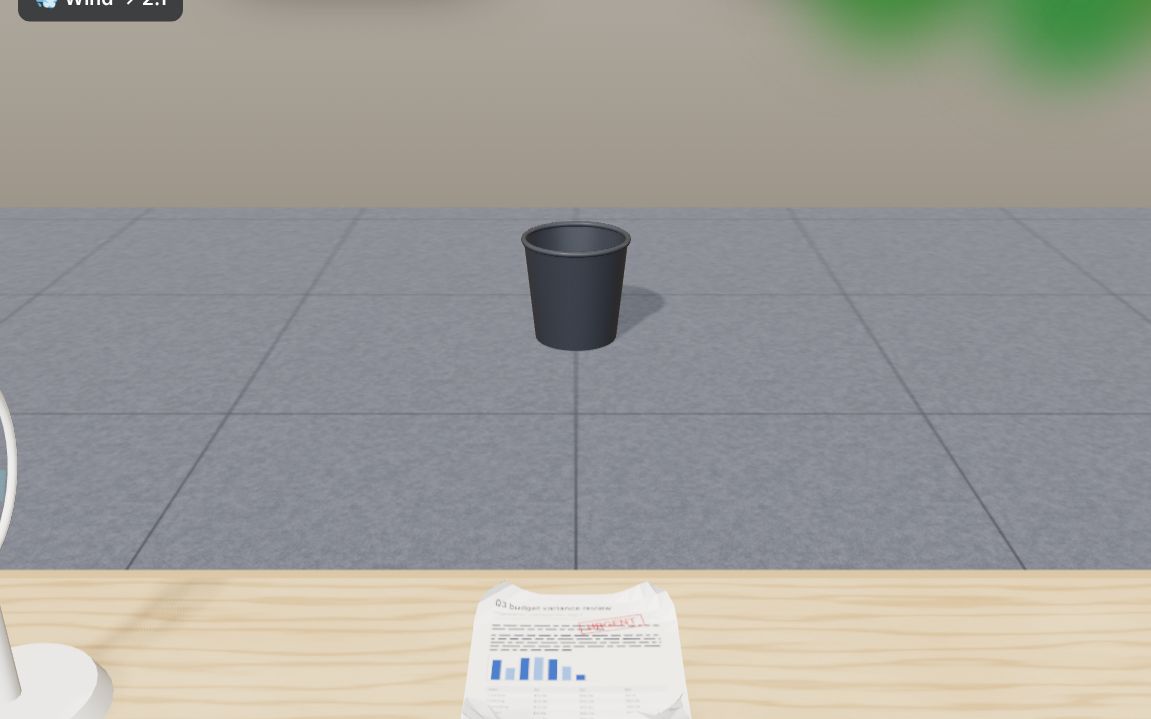
Crumple & Toss
The office classic, now with physics. Crumple the memo, read the fan's crosswind and flick it into the bin. Good for a streak on a slow afternoon.
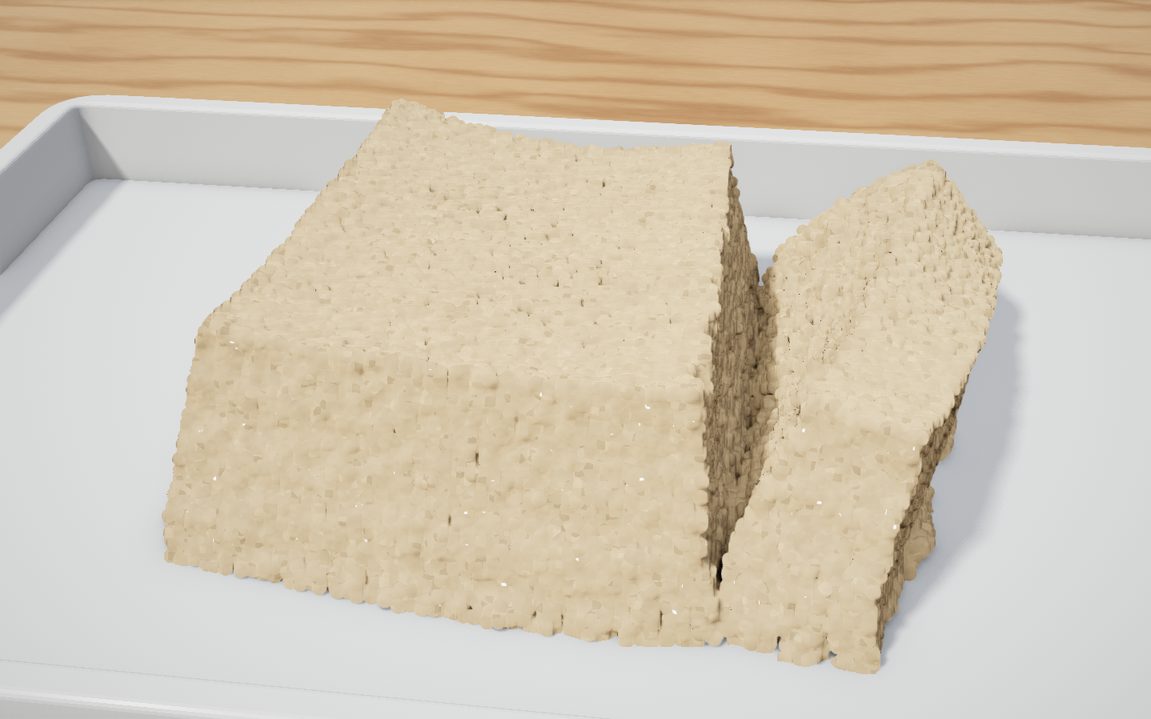
Kinetic Sand
Slice a block of sand into thin slices and watch them crumble. Endlessly satisfying, and you'll never find sand in your keyboard.
Domino Run
Draw a winding path, tap the first domino and watch the chain run. It takes ten seconds to set up and is very hard to play only once.
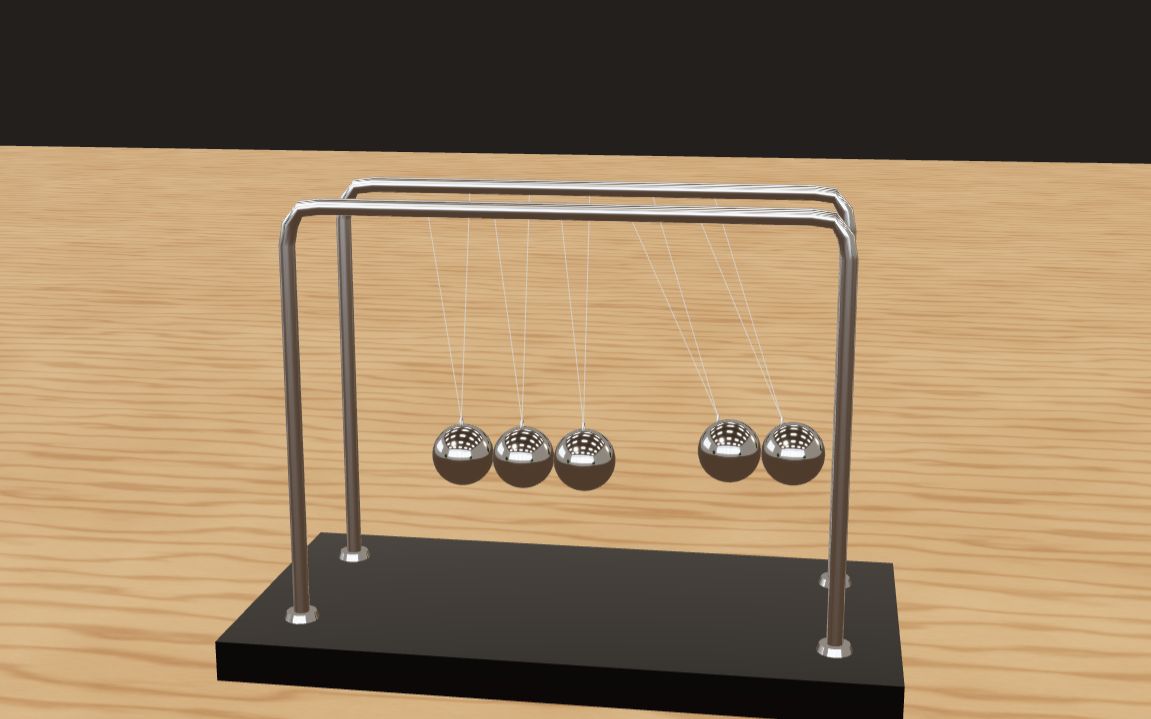
Newton's Cradle
The executive classic. Set it swinging, let it clack away and think about the email you need to write.
Rain on the Window
For when you need calm rather than action. Put the sound on, go full screen and watch the drops race down the window for two minutes.
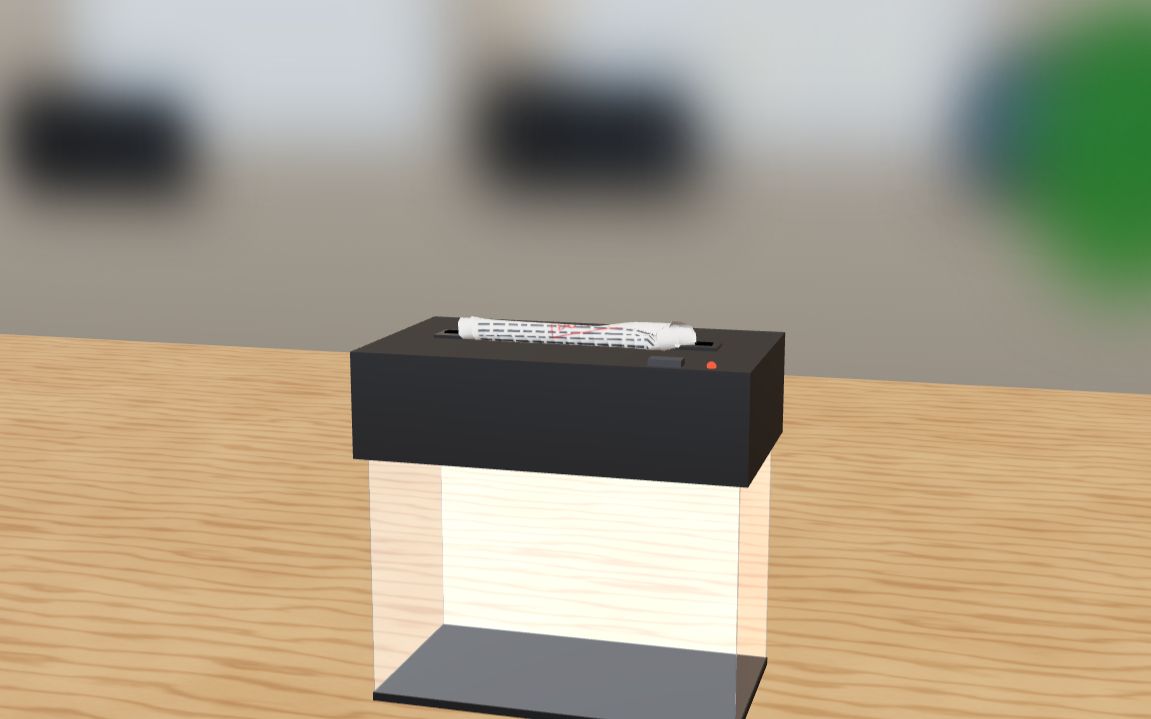
Paper Shredder
Feed it the quarterly report and watch it turn into ribbons. Repeat as needed after meetings.
Thin Ice
Tap a frozen pond and watch the cracks race out. A great one-minute break, and the sound of cracking ice is something else.
How the panic button works
Press Esc on any page, or click the red Panic button. A full-screen budget spreadsheet or quarterly report covers everything, every sound stops at once, and the browser tab's title and icon change to look like a work file. You can even click around and type in the decoy.
To come back, press ` (the key under Esc) or click the small view icon in the bottom-right corner of the decoy. You can choose which disguise you get on the home page.
What makes a game good for the office
- No install. Everything runs in a browser tab, so there is nothing for IT to approve and nothing left on your computer.
- Quiet by default. Sound only starts after you click, and every toy has a mute button.
- Short. No levels, timers or lives. Play for thirty seconds or five minutes.
- Private. Your counts and best scores are stored only on your own device.
- Hideable. One key covers the screen with a spreadsheet.
Keep your breaks short (and allowed)
Short breaks can help you come back to a task with fresh eyes, but please follow your workplace's rules. A good habit is one toy, a couple of minutes, then back to work. The toys will still be here at lunch.
Browse by mood: stress relief games, relaxing games, office games or classic desk toys.
Frequently asked questions
What games can I play at work without getting caught?
Pick something quiet that runs in a browser tab and can be hidden instantly. Every toy on Bored in Office is silent until you click, and pressing Esc covers the screen with a realistic spreadsheet and mutes everything. Please still follow your workplace's rules.
Do I need to download anything?
No. Every game runs in your web browser on Windows, Mac, Chromebooks, phones and tablets. There is nothing to install and no account to create.
Is there a boss key?
Yes. Esc works as a boss key on every page: it instantly swaps the toy for a work document, mutes all sound and changes the tab title and icon. Press the backtick key (`) to come back.